
TrapyKart plays on a phone without downloading anything: no app to install from the Play Store or the App Store, no account to create. Open the site in your phone’s browser, turn the screen sideways, and you are racing. The game is free, and you race in the same room as your friends on computers.
Open this page on your phone, then tap “Play”.
What you need
- A recent phone or tablet, Android or iPhone.
- An up-to-date browser: Chrome on Android, Safari on iPhone and iPad. Firefox and Edge work too.
- A stable Wi-Fi or 4G/5G connection. The race is computed on the server: if your connection drops, your spot is held for 30 seconds, and you get your kart and points back.
Touch controls
The game is played in landscape. Acceleration is automatic: you only steer and pick your moments.
- Left thumb: a steering wheel. Slide your thumb across the steering area to turn, gently or hard.
- Right thumb: the drift button to slide through corners and charge a boost, the brake button, and two item buttons, “Front” and “Back”.
- Switching items: tap the slot of the item in reserve.
Between rounds, you place your trap with your finger, on a top-down view of the track: tap the card you keep, then the spot on the track. The Driving and drifting chapter explains the drift and its three boost tiers.
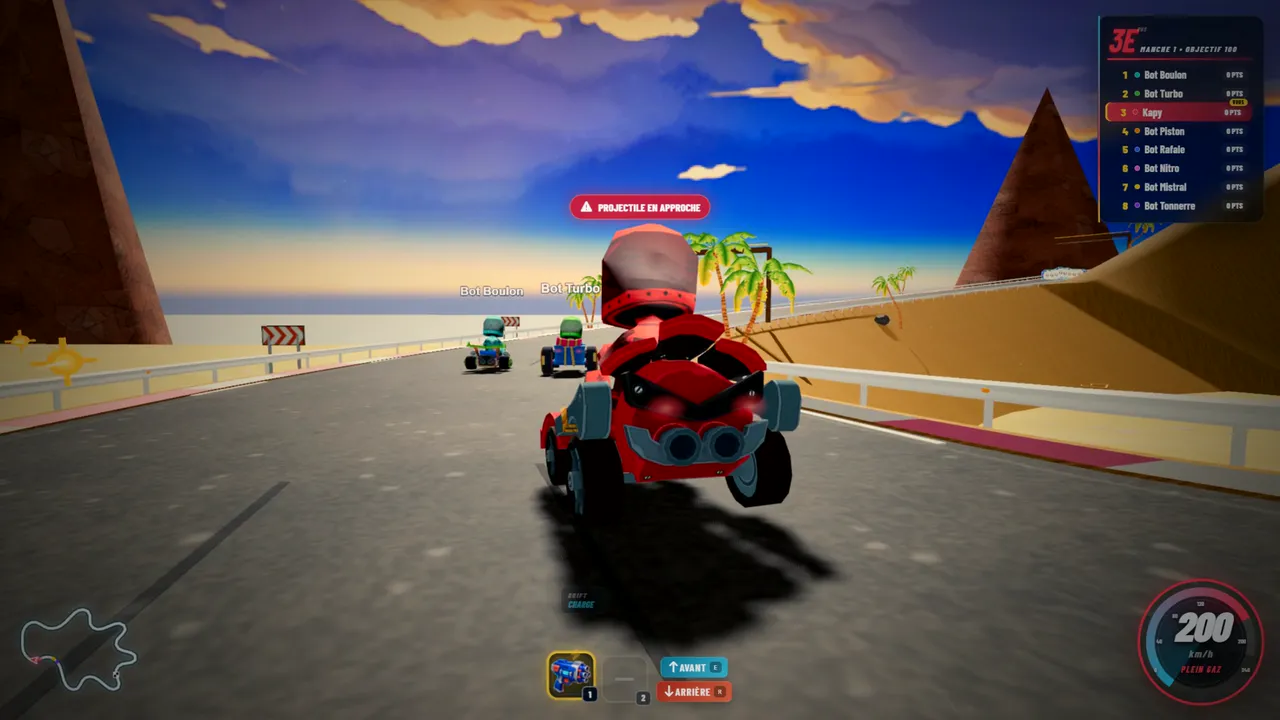
Like an app, full screen
Playing often? Add TrapyKart to your home screen. On Android, open Chrome’s menu and choose “Add to Home screen” or “Install app”. On iPhone, tap Safari’s share button, then “Add to Home Screen”. The game then opens full screen, like an app, without going through an app store.
Phone versus computer: a fair fight?
Yes. All karts perform the same, and what one driver sees is what everyone sees: physics, items and collisions are computed by the server, sixty times a second. On a phone, automatic acceleration and analogue steering make up for the missing keyboard. A room mixes phone, computer and gamepad players with no trouble, up to 10 drivers.
If the game stutters
On an older phone, open the game settings and lower the graphics quality: the game runs more smoothly. Close other apps, and prefer Wi-Fi over a weak mobile signal. If the phone gets warm, reduced motion and a lower quality setting help too.
Free, no app. Invite your friends with a link.
To play together, read how to play online with friends, or browse the FAQ.